How to Use the Nusuk App? Simple Guide (2025 Update)
Performing Hajj and Umrah in Saudi Arabia has become much easier thanks to the Nusuk App. Tasks that once required visiting different offices can now be done within a few taps on your phone. But many people are still unsure how to use the Nusuk app properly.
In this blog, we’ll walk you through everything you need to know about using the Nusuk App in a simple and easy-to-understand way.
What is the Nusuk App?
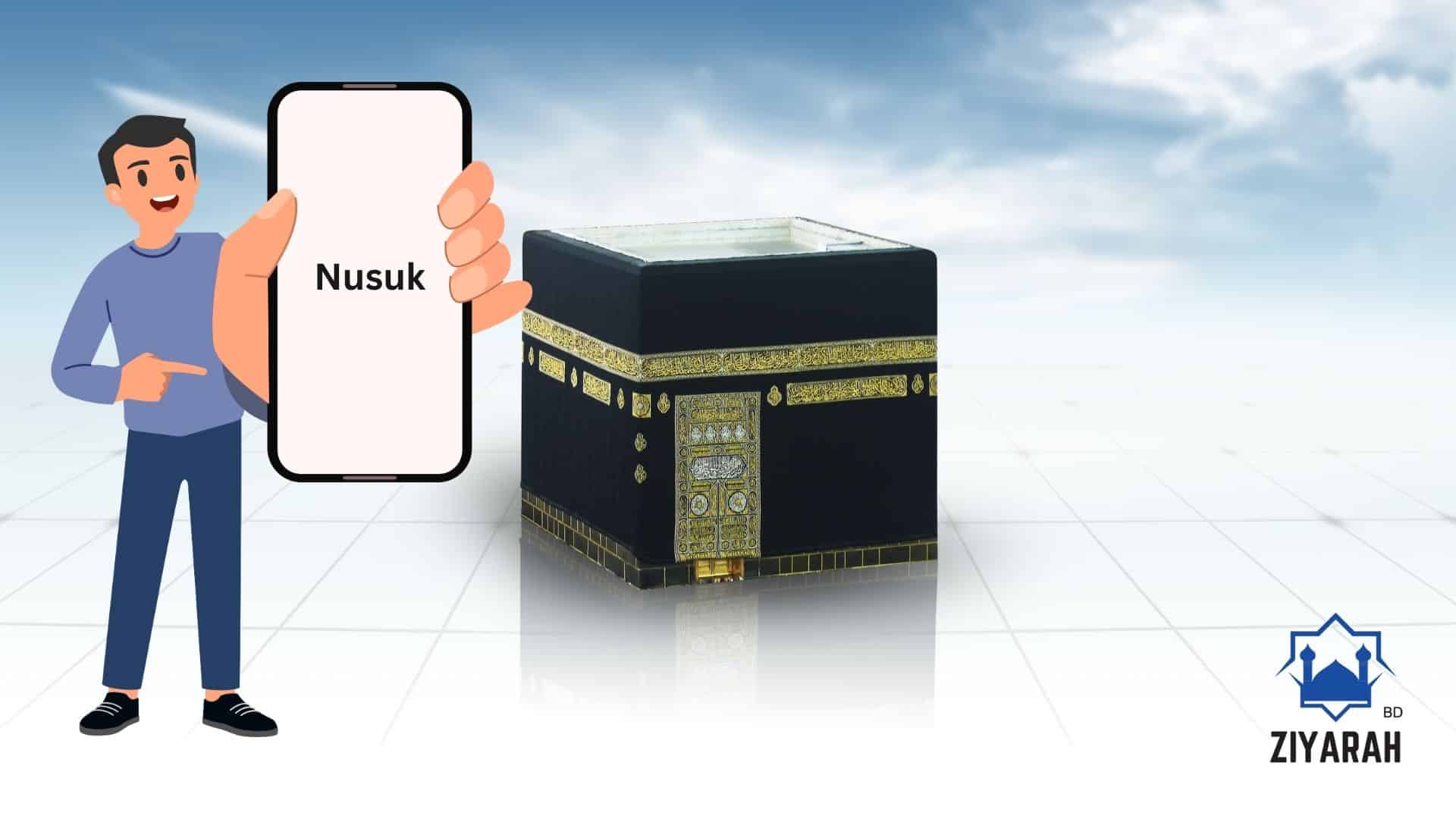
The Nusuk App is the official digital platform developed by the Saudi government. It allows users to apply for Hajj and Umrah visas, get permits, plan their pilgrimages, and access various services related to their sacred journey. The app is available for free on both the Apple App Store (iOS) and Google Play Store (Android).
How to Download the Nusuk App and Create an Account
Step 1: Download the App
- Open the App Store or Google Play Store on your mobile phone.
- Type “Nusuk” in the search bar.
- Find the Nusuk App icon and tap Install.
Step 2: Register and Create an Account
- Open the app and click on “Register.”
- Enter your full name, email address, passport number, and date of birth.
- Set a secure password and verify your email to complete registration.
What Can You Do with the Nusuk App?
The Nusuk App offers a wide range of features for pilgrims, including:
- Apply for Umrah permits
- Register for Hajj and submit visa applications
- Get entry permits for the Grand Mosque in Makkah and the Prophet’s Mosque in Madinah
- Book hotels and plan your pilgrimage services
- Access guided tours and site information
- Track the status of your applications and permits
How to Apply for an Umrah Permit in the Nusuk App
Follow these steps to apply for an Umrah permit:
- Log in to the Nusuk App.
- Go to the “Permits” section.
- Select “Umrah Permit.”
- Choose your preferred date and time.
- Fill in the required information and submit your application.
- Download your approved permit and take a screenshot for safety.
Important Tips:
- Book your permits early, especially during peak Hajj and Umrah seasons.
- Ensure your email and mobile number are accurate to receive all updates.
- Always confirm your permit and bookings before traveling.
Frequently Asked Questions (FAQs)
1. Is the Nusuk App free to use?
Yes, the Nusuk App is completely free.
2. How can I check if my application is approved?
Go to the “My Permits” section in the app to check your application status.
3. Is the Nusuk App only for Muslims?
Yes, the app is designed exclusively for Muslims planning to perform Hajj or Umrah.
Conclusion
Learning how to use the Nusuk app properly can make your Hajj or Umrah journey much easier and hassle-free. So don’t wait—download the Nusuk App today and make your worship journey more organized and spiritually fulfilling.
Did you find this guide helpful? If you have any questions, feel free to ask in the comments!